Timed for your routine
Place reminders around the moments when your energy typically drops: before work, after lunch, or near the end of the day.
For the task you keep putting off, the next study session, or the workout you planned. Get a motivational nudge in a complete notification, on a schedule you choose.


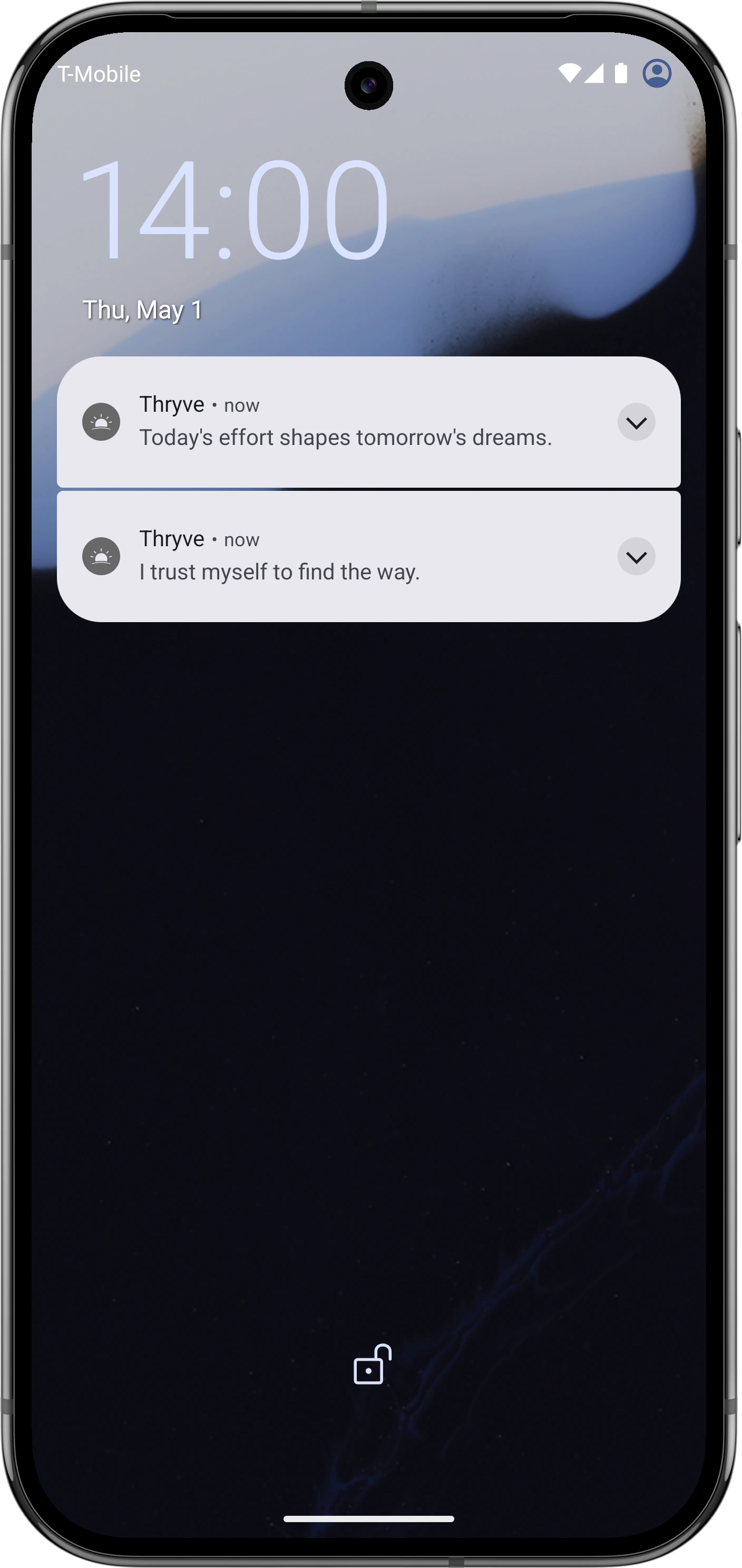
When encouragement lives in a feed, finding it can lead to more browsing. Thryve puts the complete reminder in the notification so you can read it, reset, and continue.
Place reminders around the moments when your energy typically drops: before work, after lunch, or near the end of the day.
Choose motivation, focus, stoicism, affirmations, or a custom category that reflects the work you are doing.
Increase, reduce, or reschedule your reminders as your routine changes. You stay in control of the frequency.
Use a reminder to bring a goal back into view, then turn the thought into one concrete next step.
Make the next ten minutes count.
A small completed step is better than a perfect plan.
Return to the reason you began.
Start with what you can do now. Build from there.
Begin with one or two moments that have a clear purpose. Choose a category that fits the action you want to take, then review the schedule after several days. If you dismiss every message, reduce the frequency or change the timing. A reminder should create a useful pause, not compete for your attention.
Yes. Create a custom category and save personal phrases, goals, or instructions in the words that work for you.
No. Thryve is designed to show the message directly in the notification.
No. Thryve provides motivational and mindfulness reminders; it does not replace a task list or calendar.
For motivation shaped around focus or momentum, try Personal Mix. Choose your goals, preferred tone, and language styles you would rather avoid, then set your reminder schedule separately.
Download Thryve free and schedule motivational reminders around the moments that matter.